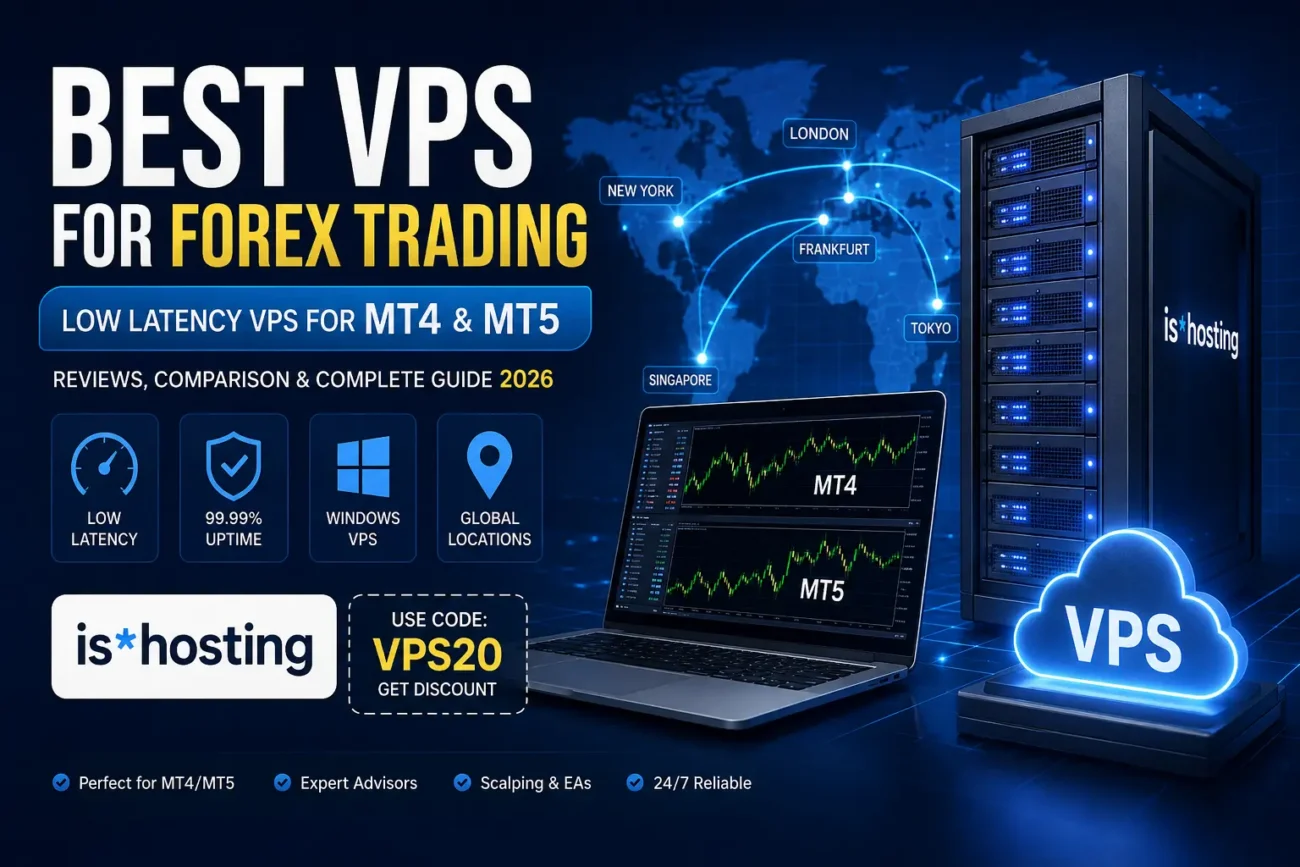
Best VPS for Forex Trading in 2026: Low-Latency VPS for MT4 & MT5
If you trade Forex using MetaTrader 4, MetaTrader 5, Expert Advisors (EAs), or automated trading strategies, running your trading platform from your personal computer is not always the best solution.
Your internet connection can disconnect. Your computer can restart. Windows updates can interrupt your trading terminal. Even a short outage can leave an Expert Advisor offline while the market is moving.
A Forex VPS (Virtual Private Server) solves many of these problems by keeping your MetaTrader platform running on a remote server 24/7.
But not every VPS is suitable for Forex trading.
For traders, the most important factors are not simply RAM and CPU. Server location, network latency, Windows support, uptime, IP quality, and overall reliability can be much more important.
In this guide, we review some of the best VPS options for Forex trading in 2026 and explain why is*hosting is one of the strongest choices for retail traders and automated trading.
What Is a Forex VPS?
A Forex VPS is a virtual server that runs your trading platform continuously on a remote data center.
Instead of installing MT4 or MT5 on your home computer:
Your computer → Internet → VPS → Broker
Your Expert Advisors and trading terminals continue running on the VPS even when your own computer is switched off.
For example, you can install:
- MetaTrader 4
- MetaTrader 5
- Expert Advisors
- Trading indicators
- Trade copiers
- Multiple trading accounts
- Automated trading systems
Once everything is configured, you can disconnect your personal computer while your trading environment continues running.
This is especially useful for traders who run automated strategies.
Why Do Forex Traders Need a VPS?
There are several reasons why a VPS can be useful for Forex trading.
1. Your Computer Does Not Need to Stay On
An EA needs MetaTrader to remain open.
If you shut down your PC, your EA stops working.
With a VPS, the trading platform runs on a remote server.
You can close your laptop, leave your house, or even turn off your computer completely while your MT4 or MT5 terminals continue operating.
2. Better Stability
Home internet connections are not designed specifically for 24/7 automated trading.
You can experience:
- Internet outages
- Router problems
- Power cuts
- Computer crashes
- Windows updates
- Accidental shutdowns
A professional VPS infrastructure is designed to remain online continuously.
This doesn’t guarantee that your trades will be profitable, but it can remove several technical problems associated with running an EA from a personal computer.
3. Lower Latency
Latency is one of the most important factors when choosing a Forex VPS.
Latency is essentially the time it takes for data to travel between your trading terminal and your broker’s server.
For example:
Trader → VPS → Broker
If your VPS is geographically close to your broker’s trading infrastructure, the network path can be shorter.
This can be particularly important for:
- Scalping
- High-frequency strategies
- News trading
- Automated trading
- Multiple trade executions
- Short-term Expert Advisors
For swing traders or long-term strategies, a difference of a few milliseconds may be much less important.
How Important Is VPS Location for Forex?
This is one of the biggest mistakes traders make when choosing a VPS.
Many people simply choose the cheapest server without checking where the broker’s infrastructure is located.
Instead, you should first investigate where your broker’s trading servers or execution infrastructure are located.
Common financial data-center hubs include:
- New York
- London
- Frankfurt
- Tokyo
- Singapore
For example, if your broker’s infrastructure is located around London, a VPS in Europe may provide a better network path than a server located on another continent.
However, you should always test the actual latency between your VPS and your broker.
Don’t choose a VPS location simply because it is geographically close on a map.
Network routing matters.
What Should You Look for in a Forex VPS?
Before buying a VPS for MT4 or MT5, consider these factors.
1. Server Location
The first thing to check is whether the provider offers a location close to your broker.
A provider with many global locations gives you more flexibility.
2. RAM
For a single MT4 or MT5 terminal, you generally don’t need an enormous amount of RAM.
However, RAM requirements increase when you run:
- Multiple terminals
- Many charts
- Several EAs
- Custom indicators
- Trade copiers
- Large historical datasets
For many retail traders, 2–4 GB can be a reasonable starting point.
3. CPU
CPU performance becomes more important when your EAs perform heavy calculations or you run several terminals simultaneously.
For a simple EA, you don’t necessarily need a high-end server.
4. Windows Support
MT4 and MT5 are commonly used on Windows.
A Windows VPS can make installation and management significantly easier for traders who don’t want to configure MetaTrader through Linux compatibility layers.
5. Uptime
Your trading terminal needs to stay online.
A VPS provider with a strong uptime guarantee is preferable to an inexpensive server with frequent interruptions.
6. IP Address
A stable server IP can be useful when running trading infrastructure remotely.
However, traders should distinguish between a normal VPS IP and a true trading-network advantage.
Having a dedicated IP does not automatically mean your broker will execute trades faster.
7. Technical Support
This is particularly important for beginners.
If MT4 or MT5 stops working, you want to be able to contact the hosting provider quickly.
Best VPS for Forex Trading in 2026
After comparing the main factors traders care about — location, Windows support, performance, uptime, pricing, and suitability for MetaTrader — these are some of the providers worth considering.
| VPS Provider | Best For | Windows | Main Advantage |
|---|---|---|---|
| is*hosting | Retail & EA traders | Yes | Locations + value |
| BeeksFX | Scalping & latency-sensitive trading | Yes | Financial infrastructure |
| ForexVPS.net | Forex-focused traders | Yes | Trading-specific features |
| Contabo | Budget users | Available as option | Hardware per dollar |
| Hostinger | Linux/algo users | Mainly Linux VPS | Affordable resources |
For most retail Forex traders running MT4 or MT5, is*hosting is one of the most balanced choices.
is*hosting Review for Forex Trading
Our Rating: 9/10
is*hosting is a VPS provider offering servers across a large number of locations worldwide.
According to its current information, the provider offers VPS locations across 40+ countries and around 45 locations, giving traders plenty of options when choosing a server close to their broker.
This is particularly useful for Forex traders because the ideal VPS location depends heavily on where the broker’s infrastructure is located.
is*hosting VPS Features for Traders
The current trading VPS comparison from is*hosting lists its entry Windows trading plan at around $10.19/month with annual billing, with 2 GB RAM, 1 vCPU, 30 GB SSD storage and 3 TB traffic. Higher configurations are available for traders running more terminals.
The provider also states that Windows licensing is included rather than appearing as a separate charge on the invoice.
For traders, this makes the pricing easier to understand.
You don’t want to see a VPS advertised at one price and discover several additional charges when you reach checkout.
Which is*hosting VPS Should You Choose?
Start VPS — For Beginners and Small EA Setups
If you are running:
- 1–3 EAs
- One or two MT4/MT5 terminals
- Basic indicators
- A small number of charts
the entry-level configuration may be enough.
It gives you a relatively inexpensive way to move your trading setup away from your personal computer.
Medium VPS — For Active Traders
If you run several terminals, multiple EAs, or more demanding indicators, moving to a larger configuration gives you more RAM and CPU headroom.
This is a better choice for traders running multiple accounts or several automated systems simultaneously.
Premium VPS — For Larger EA Setups
If you are running many terminals and strategies, additional resources become increasingly important.
Instead of trying to squeeze ten trading terminals into a small VPS, it’s better to give the system enough resources to operate comfortably.
is*hosting Server Locations
One of the biggest advantages of is*hosting for Forex traders is its broad geographic coverage.
Depending on availability, traders can select locations including major regions such as:
- United States
- United Kingdom
- Netherlands
- Germany
- Japan
- Singapore
- Switzerland
- And many other locations
The provider currently advertises around 45 locations across 40 countries.
This gives traders considerably more flexibility when trying to find a server close to their broker.
is*hosting and Forex VPS Latency
There is an important distinction here.
A VPS being located in the same city as your broker does not automatically mean you will receive 1 ms latency.
Your actual latency depends on:
- Broker infrastructure
- Data center
- Network provider
- Routing
- Server location
- Broker server location
- Internet congestion
Therefore, don’t buy a VPS because someone promises a specific ping without testing it.
The better approach is:
Broker location → Choose nearby VPS → Connect MT4/MT5 → Measure actual latency
This is much more realistic.
Is is*hosting Good for MT4?
Yes.
MT4 traders can use a Windows VPS to keep MetaTrader running continuously.
This is particularly useful if you’re running:
- Forex Expert Advisors
- Gold EAs
- Scalping EAs
- Grid systems
- Trend-following systems
- Trade copiers
- Multiple MT4 accounts
The goal is simple:
Keep MT4 online 24/7 without keeping your personal computer running.
Is is*hosting Good for MT5?
Yes.
MT5 traders can use the same type of Windows VPS infrastructure.
MT5 can consume more resources depending on the number of charts, indicators, EAs and historical data being used.
If you’re running several MT5 terminals, consider upgrading your RAM and CPU rather than choosing the smallest possible plan.
is*hosting vs BeeksFX
BeeksFX is particularly interesting for traders who care heavily about financial-market infrastructure and very low latency.
Its infrastructure includes locations associated with major financial data centers.
That makes it attractive for:
- Scalpers
- News traders
- HFT-style strategies
- Latency-sensitive systems
However, you’re paying a premium for this type of infrastructure.
For the average retail trader running a normal EA, paying significantly more for ultra-low latency may not provide a meaningful advantage.
Winner for most retail traders: is*hosting
Winner for highly latency-sensitive strategies: BeeksFX
is*hosting vs ForexVPS.net
ForexVPS.net is specifically focused on Forex and MetaTrader users.
It offers trading-oriented features and multiple locations.
This can be attractive for traders who want a more specialized Forex hosting environment.
However, is*hosting has an important advantage:
A broader general-purpose VPS infrastructure with many locations and competitive pricing.
Winner for specialized Forex features: ForexVPS.net
Winner for flexibility and overall value: is*hosting
is*hosting vs Contabo
Contabo is known for offering large amounts of RAM and CPU resources at relatively low prices.
If your main priority is raw hardware per dollar, Contabo can be attractive.
However, Forex traders shouldn’t look only at RAM and CPU.
You should also consider:
- Location
- Network routing
- Windows costs
- Uptime
- Support
- Trading latency
A VPS with 16 GB RAM isn’t necessarily better for Forex than a VPS with 4 GB RAM if the latter has a much better network path to your broker.
Winner for raw hardware value: Contabo
Winner for Forex-oriented VPS simplicity: is*hosting
is*hosting vs Hostinger
Hostinger is another well-known hosting company with affordable VPS plans.
However, its VPS offering is more general-purpose and is particularly interesting for Linux users, developers and applications.
If your main goal is running MT4 or MT5 on Windows, is*hosting is the more natural choice.
Winner for MT4/MT5 Windows trading: is*hosting
Winner for affordable Linux workloads: Hostinger
Best VPS for Different Types of Forex Traders
Best VPS for Beginners
is*hosting
If you’re running one or two EAs and simply want a stable environment for MT4 or MT5, is*hosting offers a good balance between price and resources.
Best VPS for Multiple EAs
is*hosting Medium or higher
More terminals and indicators mean you should have additional RAM and CPU headroom.
Best VPS for Scalping
BeeksFX or another financial-market-focused VPS
For extremely latency-sensitive strategies, network proximity can be more important than raw hardware.
Best Budget VPS
is*hosting or Contabo
Compare the final price after adding Windows and other requirements.
Best VPS for Python Trading Bots
This depends on your broker/API and operating system.
Linux VPS providers can offer excellent value for Python-based systems.
How to Choose the Correct VPS Location
Before ordering your VPS, follow this simple process.
Step 1: Find Your Broker’s Server
Ask your broker:
Where is the trading server or execution server for my account located?
Some brokers publish this information. Others will provide it through customer support.
Step 2: Choose the Closest Appropriate VPS Location
If your broker uses infrastructure in London, consider a UK or nearby European VPS.
If the infrastructure is in New York, consider a US East Coast location.
If the broker uses Tokyo infrastructure, choose a Japanese location.
Step 3: Test Your Ping
After setting up your VPS, test the connection to the broker.
Don’t rely purely on marketing claims.
Step 4: Monitor Your Trading
Run your EA and monitor:
- Ping
- CPU usage
- RAM usage
- Connection stability
- MT4/MT5 disconnections
Then decide whether you need a larger VPS or a different location.
How Much RAM Do You Need for MT4 or MT5?
There is no universal answer.
Your RAM requirements depend on your setup.
Basic setup
1–2 terminals:
2 GB RAM
Medium setup
Several terminals and EAs:
4 GB RAM
Heavy setup
Many terminals, indicators and automated systems:
8 GB+ RAM
Don’t automatically buy 16 GB or 32 GB because it sounds better.
Buy according to your actual workload.
Does a Forex VPS Make Your Trading Strategy Better?
No.
This is extremely important.
A VPS does not make a losing strategy profitable.
It doesn’t improve:
- Your entry strategy
- Risk management
- Win rate
- Trading psychology
- Market analysis
What it can improve is the technical reliability of your trading environment.
Think of a VPS as infrastructure.
Your strategy is still responsible for your trading results.
VPS and Forex Scalping
Scalpers need to pay more attention to latency.
When trades are opened and closed quickly, even small execution delays can matter.
For these traders, server location becomes extremely important.
However, there is a difference between:
Low-latency VPS
and
True financial-market colocation.
A normal VPS located near a financial center can provide a good network path, but that doesn’t necessarily mean it is physically inside the same facility as your broker’s matching engine.
If your strategy genuinely depends on sub-millisecond execution, investigate specialized financial hosting and colocation instead.
How to Secure Your Forex VPS
Your VPS is essentially a computer connected to the internet.
Security matters.
We recommend:
- Use a strong administrator password
- Keep Windows updated
- Enable firewall protection
- Avoid installing unnecessary software
- Use trusted EA files
- Don’t download unknown executables
- Use secure RDP practices
- Monitor login activity
- Keep backups of your trading configuration
Never treat your VPS as an anonymous computer.
It is part of your trading infrastructure.
Our Final Verdict
For the majority of retail Forex traders, is*hosting is one of the best all-around VPS options in 2026.
It offers a combination of:
- Windows VPS support
- Multiple global locations
- Competitive pricing
- MetaTrader compatibility
- Strong uptime commitments
- Different resource configurations
- Support for automated trading
- Flexible server locations
Its biggest advantage isn’t simply the amount of RAM or CPU.
It’s the combination of price + location options + Windows + infrastructure.
For a trader running one or several MT4/MT5 terminals, that’s often more useful than paying a premium for infrastructure designed specifically for institutional-level latency.
If you’re running an extremely latency-sensitive HFT or scalping strategy, however, you should also compare specialized financial VPS providers such as BeeksFX.
Get Your is*hosting Forex VPS
If you’re ready to move your MT4 or MT5 setup to a VPS, you can check the available is*hosting plans here:
👉 [YOUR ISHOSTING AFFILIATE LINK HERE]
Promo Code: VPS20
If the code is accepted at checkout, use VPS20 to check whether the available discount applies to your selected VPS plan.
Tip: Always check the final price on the checkout page because VPS pricing, promotions and eligible plans can change.
Frequently Asked Questions
What is the best VPS for Forex trading?
For most retail traders, is*hosting is a strong all-around option because it combines Windows VPS support, multiple locations, competitive pricing and configurations suitable for MT4 and MT5.
Is a VPS necessary for Forex trading?
No. You can trade Forex directly from your computer. A VPS becomes useful when you want your MetaTrader platform and Expert Advisors to run continuously without relying on your personal computer and home internet connection.
Can I run MT4 on an is*hosting VPS?
Yes. A Windows VPS can be used to install and run MetaTrader 4 continuously.
Can I run MT5 on an is*hosting VPS?
Yes. You can install MetaTrader 5 on a compatible Windows VPS and keep your trading terminals running 24/7.
What VPS location should Forex traders choose?
Choose a location that provides a good network path to your broker’s trading infrastructure. Don’t choose based solely on geographical distance.
How much RAM do I need for Forex trading?
For a basic MT4/MT5 setup, 2 GB can be enough. Traders running multiple terminals, EAs and indicators may benefit from 4 GB, 8 GB or more depending on their workload.
Does a VPS reduce Forex slippage?
A VPS can potentially reduce network-related delays when it is well positioned relative to your broker, but it cannot eliminate slippage. Market volatility, liquidity, broker execution and other factors also affect execution.
Is a Forex VPS worth it for an Expert Advisor?
For traders running EAs 24/7, a VPS can be very useful because the EA can continue operating even when your personal computer is turned off or disconnected from the internet.
Final Recommendation
If you’re a retail Forex trader running MT4, MT5, Expert Advisors or automated trading systems, don’t choose your VPS based only on the cheapest price.
Look at the complete picture:
Location + latency + Windows + uptime + resources + support + total price.
For most traders, is*hosting offers a very strong balance between these factors.
If you want to test it yourself, check the available locations and VPS plans through the link below.